QR codes are everywhere: on restaurant menus, train tickets, product packaging, street posters and even business cards. You just point your phone camera at one to open a website, join a WiFi network or save a contact. But what exactly is a QR code, and how does it manage to store so much information in a small square of dots? In this guide we explain it in simple terms.
What QR stands for
QR stands for *Quick Response*. The name sums up its purpose: information that can be read instantly, from any angle, without special equipment. Unlike a traditional barcode, which only stores information in one direction (horizontally), a QR code is two-dimensional: it stores data both horizontally and vertically. That is why it can hold far more information in the same space.
What information it can hold
In its largest version, a QR code can store up to 7,089 numeric characters or around 4,296 alphanumeric characters. In practice it is used to store:
- Web addresses (URLs): the most common use.
- WiFi network details: network name, password and security type.
- Contact cards (vCard): name, phone, email and company.
- WhatsApp, SMS or email messages with the text already written.
- Locations on Google Maps.
- Plain text, such as a coupon code or instructions.
With the QRcrea QR code generator you can create all of these types in a few seconds.
The parts of a QR code
Although it looks like a random pattern, each area of the code has a job:
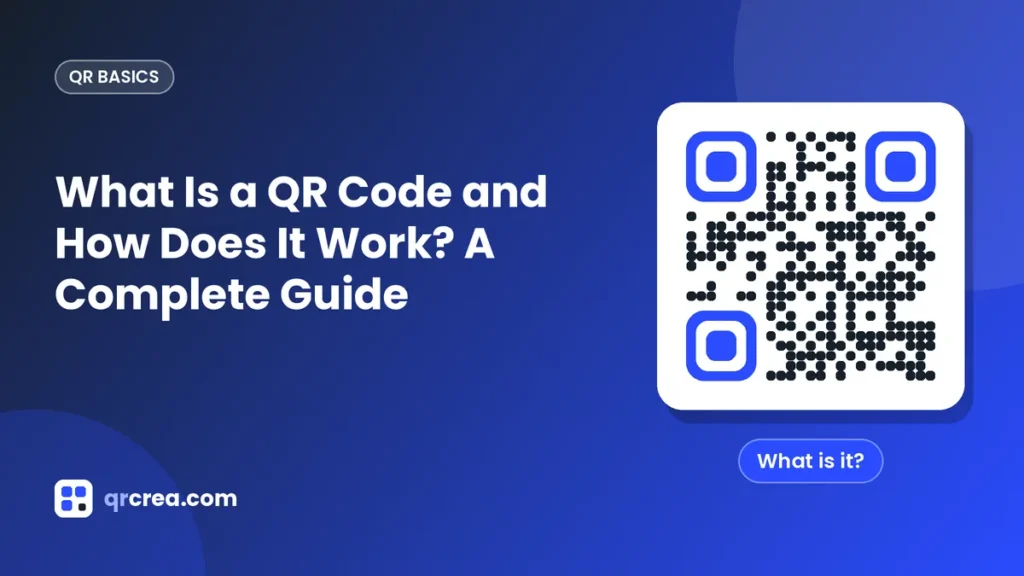
- Finder patterns: the three large squares in the corners. They tell the reader where the code is and how it is oriented, which is why a QR code can be read even when rotated or upside down.
- Alignment pattern: a smaller square near the bottom-right corner that helps correct distortion when the code is printed on a curved surface or photographed at an angle.
- Timing patterns: lines of alternating dark and light modules connecting the finder patterns, used to work out the size of each module.
- Format and version information: reserved areas indicating the error correction level and the size of the code.
- Data area: the remaining modules, where the encoded information is stored together with error correction data.
- Quiet zone: the blank margin around the code. It is essential so the camera can tell the QR code apart from its surroundings.
How your phone reads it
When you point your camera, the phone’s software looks for the three finder patterns. Once it finds them, it calculates the orientation and size of the code, splits the image into a grid of modules and decides whether each module is dark or light. That sequence of ones and zeros is translated into text and, depending on the content, the phone suggests an action: open a website, join a network or save a contact. It all happens in under a second.
Error correction
One of the cleverest features of QR codes is that they keep working even when part of the code is damaged, dirty or covered. This is thanks to Reed-Solomon error correction, which adds redundant information. There are four levels:
| Level | Recoverable data | Recommended use |
|---|---|---|
| L | About 7% | Clean environments, small codes |
| M | About 15% | General use |
| Q | About 25% | Industrial or outdoor settings |
| H | About 30% | Codes with a logo in the center |
This redundancy is what makes it possible to place a logo in the middle of a QR code without breaking it.
Versions and sizes
There are 40 QR code versions. Version 1 has 21 × 21 modules and version 40 reaches 177 × 177. The more information you store, the more modules the code needs and the smaller each module becomes at the same printed size. That is why it is best to keep the content as short as possible: a short URL produces a cleaner code that is easier to scan.
Static and dynamic QR codes
- Static: the information is stored directly in the code. It cannot be changed after printing, but it works forever and does not depend on any server.
- Dynamic: the code contains a short URL that redirects to the final destination. You can change the destination without reprinting the code and, in many cases, see scan statistics.
What QR codes are used for
- Opening a restaurant’s digital menu.
- Sharing the WiFi network with customers or guests.
- Driving traffic from a flyer or poster to a website.
- Downloading an app from the App Store or Google Play.
- Sharing your contact details on a business card.
- Sending people to your social media or WhatsApp profile.
- Showing instructions, manuals or videos on product packaging.
Frequently asked questions
Do I need an app to read a QR code?
On most current phones, no. The camera on iPhone and most Android devices recognizes QR codes automatically. Older models may need a scanner app.
Can a QR code stop working?
A static QR code never expires: the information is in the pattern itself. What can stop working is the destination, for example a web page that gets deleted.
Does creating a QR code cost money?
Not necessarily. On QRcrea you can create and download your QR codes for free.
Conclusion
A QR code is much more than a square of dots: it is a fast, reliable and universal way to connect the physical and digital worlds. Understanding its parts, its capacity and how error correction works will help you create codes that scan first time, every time. Want to try it? Create your first code with the QRcrea QR code generator, customize it with your colors and download it for free.
Ready to create your QR code?
Customize it with your colors and logo, and download it for free in seconds.